
Classic
The familiar Telegram message
Monitor your TON wallets or follow whale addresses. Get Telegram alerts for transfers, token buys and sells, with balances, PnL and charts.
25 wallets free · 50 after subscribing · 7 Premium days for every new user.
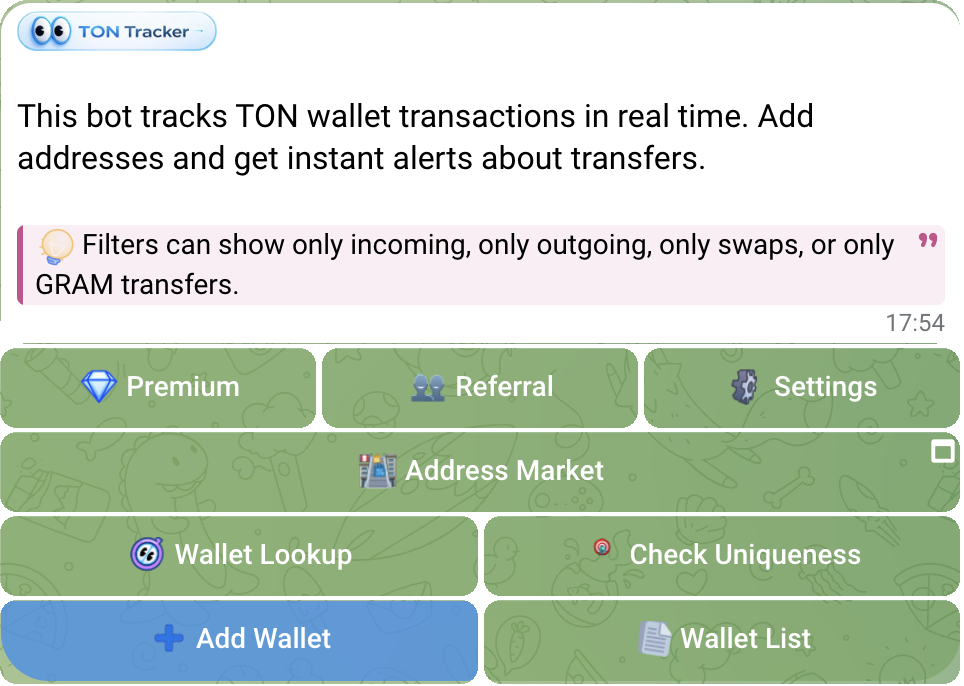
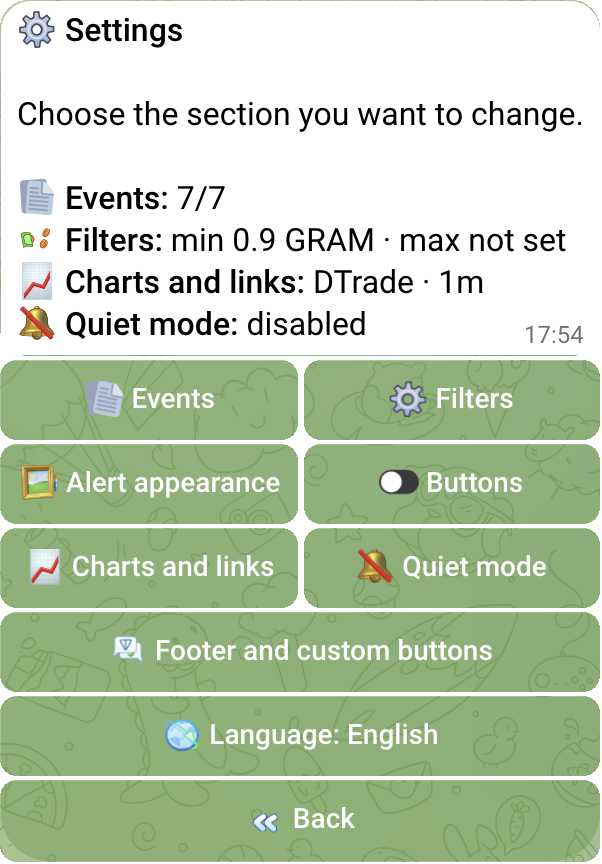
To track a TON wallet, add its public address to the bot, choose event types and receive the next matching alert in Telegram. You do not need to connect a wallet or share a recovery phrase.
Set up TON Tracker: add a wallet address, receive transaction alerts, follow token buys and sells, read balances and verify transactions in Tonviewer.
Read the guideConfigure TON Tracker alerts: transfer amounts, event types, blocked tokens, NFT filters, pending updates and message formats with charts and PnL.
Read the guideSet up TON Tracker Group Mode: 5 free group wallets, Telegram Topics, direct topic imports, selected-member permissions and independent group settings.
Read the guideFirst, the bot posts the known action, token, and amount. When the operation completes, it adds the balance, USD value, PnL, and chart to the same message.
The bot receives a supported on-chain action from live data sources.
The known action, wallet, token, and amount appear in Telegram immediately.
After finalization, the same message gets the result, balance, USD, PnL, chart, and actions.
The bot checks several sources, retries requests, and removes duplicates.
For a buy, sale, swap, transfer, or failed operation, the bot shows the relevant details and keeps chart, explorer, and trading buttons below the message.
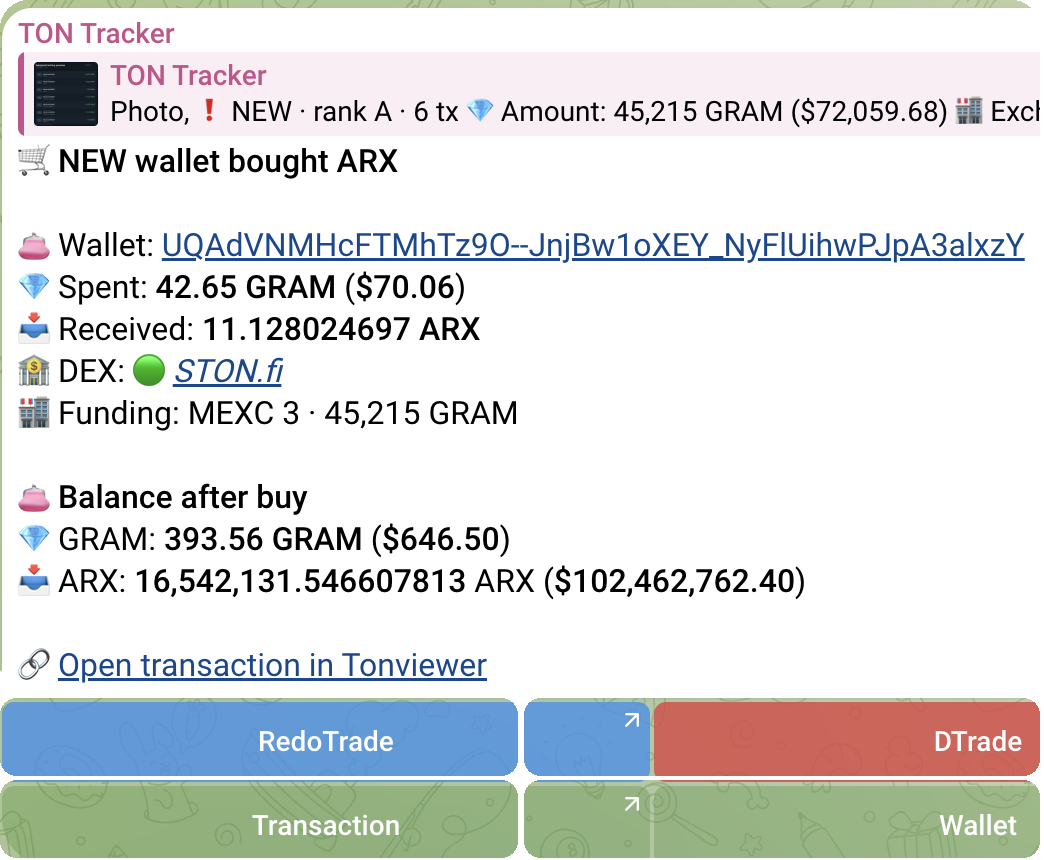
Name, category, address, and detected venue.
Operation type with clear incoming and outgoing amounts.
Position change and PnL — only when the data is sufficient.
Chart, explorer, DTrade, and RedoTrade directly below the alert.
Choose Classic, Compact, Detailed, or Rich Beta. A custom template lets you change block order, number precision, balances, USD values, PnL, charts, and buttons.
The familiar Telegram message
Structured blocks, chart, and collapsible details
Only the essentials for fast scanning
Your order, precision, data, and buttons
Set global rules once or configure a specific address. Per-wallet rules take priority over global settings.
Set global rules or override them for a specific wallet.
Minimum amount: 0.9 GRAM · Maximum amount: Not set · Scope: Global and per-wallet · Priority: Wallet rules first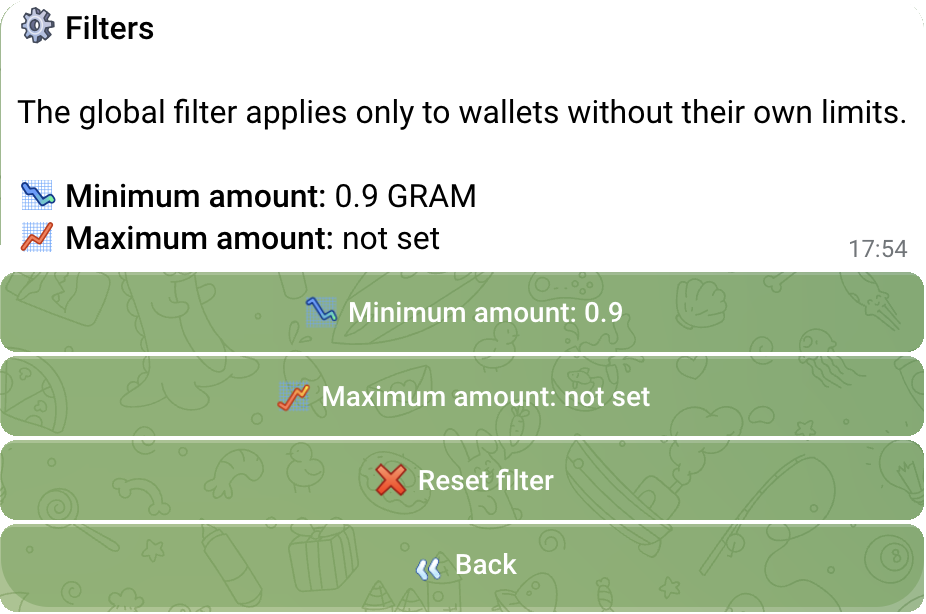
Anti-spam hides small promotional transfers, while unwanted tokens can be blocked by name or contract.
Disable rewards, trading-bot fees, NFTs, and other event types independently.
Keep only Telegram usernames and .ton domains.
Per-wallet settings always override global rules.
Import watchlists, group wallets into categories, search by name, and sort by PnL.
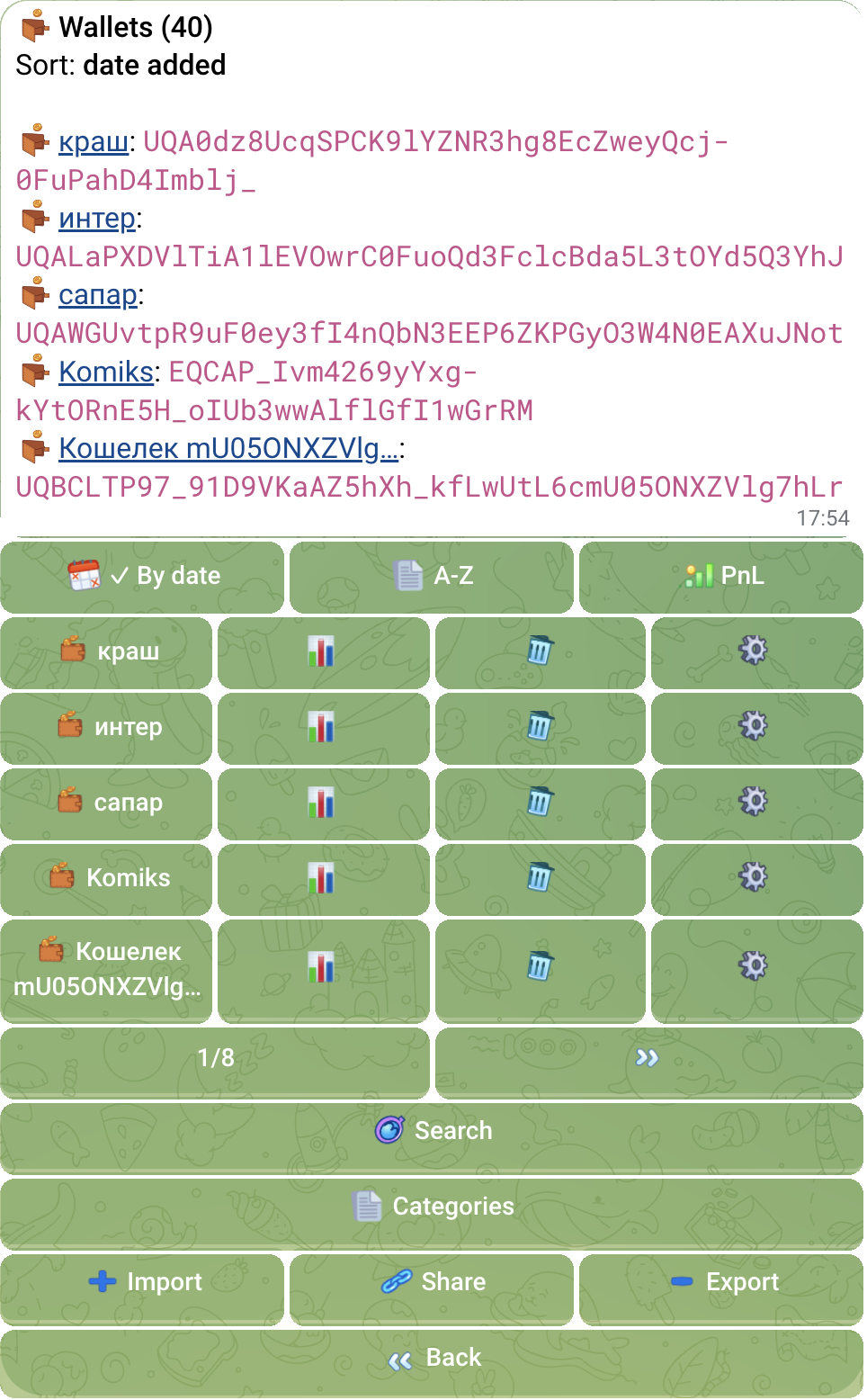
TXT, JSON, files, and wallet | name.
The category appears next to the wallet name inside every alert.
Switch between percentage and GRAM performance.
Copy or transfer a watchlist using a Telegram ID or username.
The bot reports when several wallets buy the same token, an exchange withdrawal leads to a purchase, or a position rises sharply. Signal conditions are configurable.
Several wallets buy or sell the same token.
An exchange withdrawal turns into a token purchase.
A tracked wallet sharply increases its position.
Track up to 5 group wallets for free. Import addresses directly into a Telegram Topic, grant permissions to selected members, and configure the group independently from your personal tracker.
Add bot to a groupFive Telegram channels covering withdrawals from 100 to 5,000+ GRAM. Inspect the recipient history, balance, and top tokens, then add the address to your personal tracker.
Open CEX Channels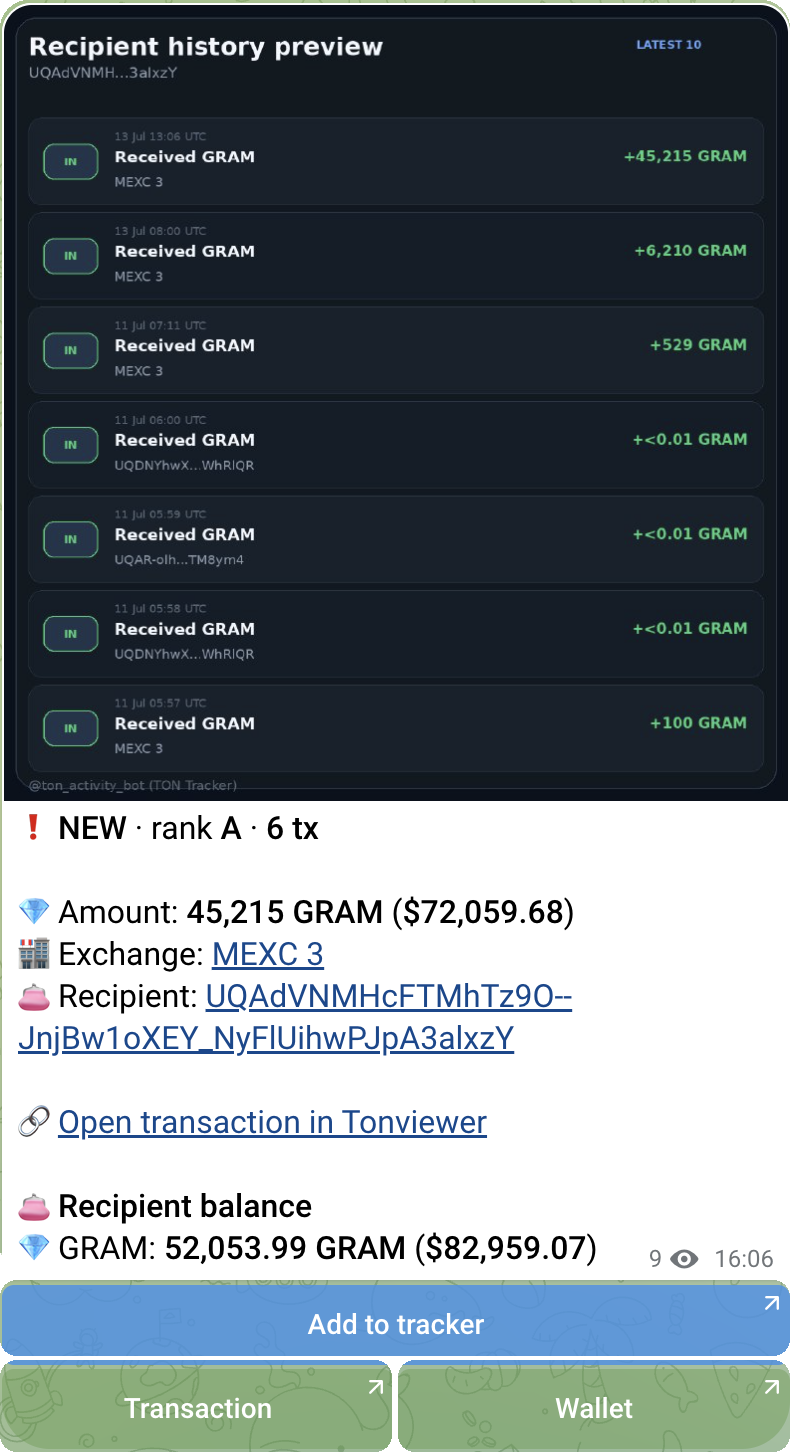
Search listings by title and description. Wallet addresses stay hidden until payment.
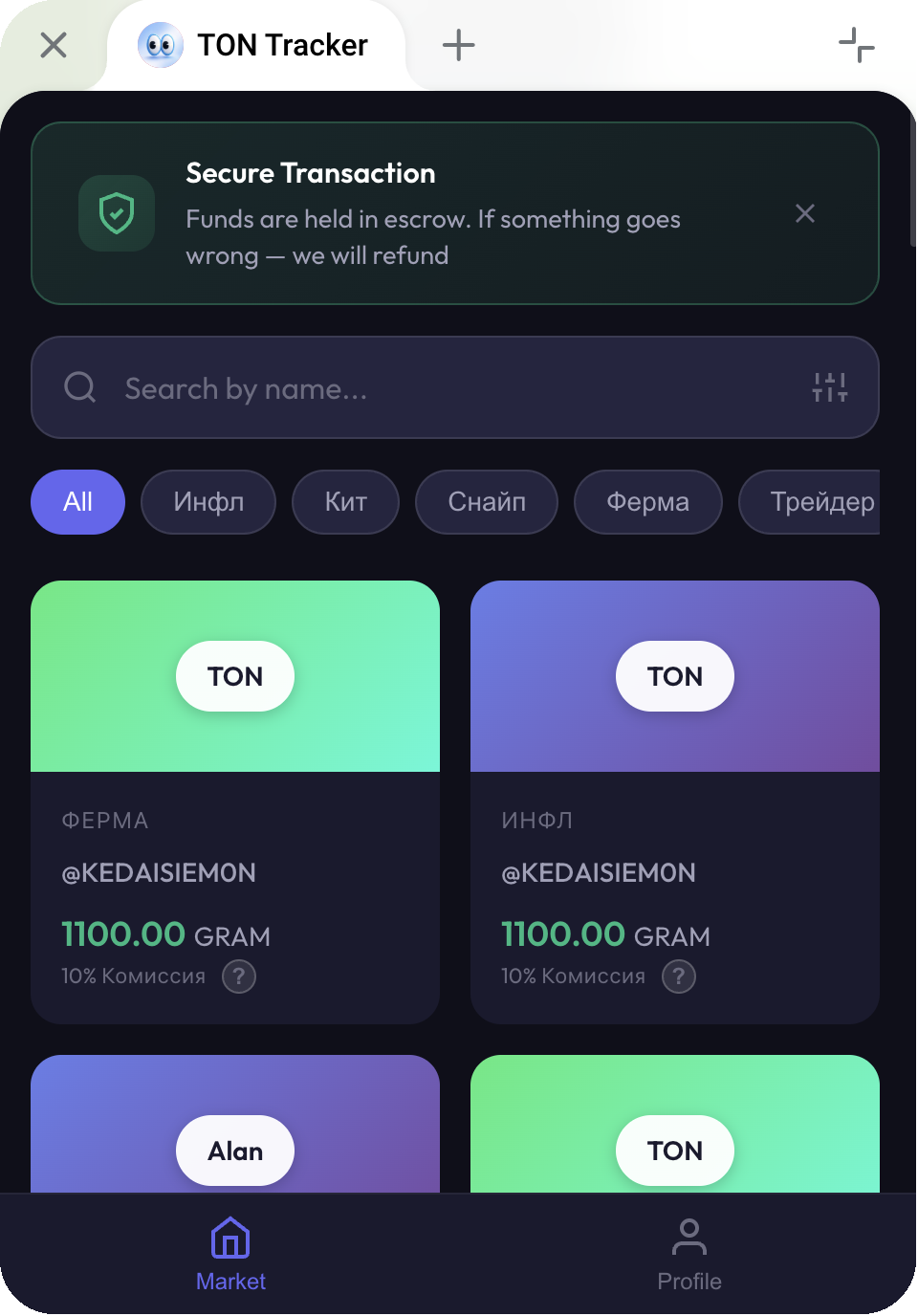
Group several listings into a folder and buy them as one bundle.
Open Address MarketTON Locks shows verified token and liquidity-pool locks, charts, linked contracts, and a link to add the locker address to TON Tracker.
Set the name, avatar, description, main menu, buttons, and support contact in Telegram. Users get TON Tracker features, while the owner receives 50% of paid Premium and group plans.
Premium and group plans
Owners see aggregate statistics and earnings — never user wallets or settings.
No card required.
For traders, researchers, influencers, and large watchlists.
Standard Premium plans: 5 GRAM / 30 days, 12 GRAM / 90 days, and 48 GRAM / 365 days. Track up to 999 wallets.
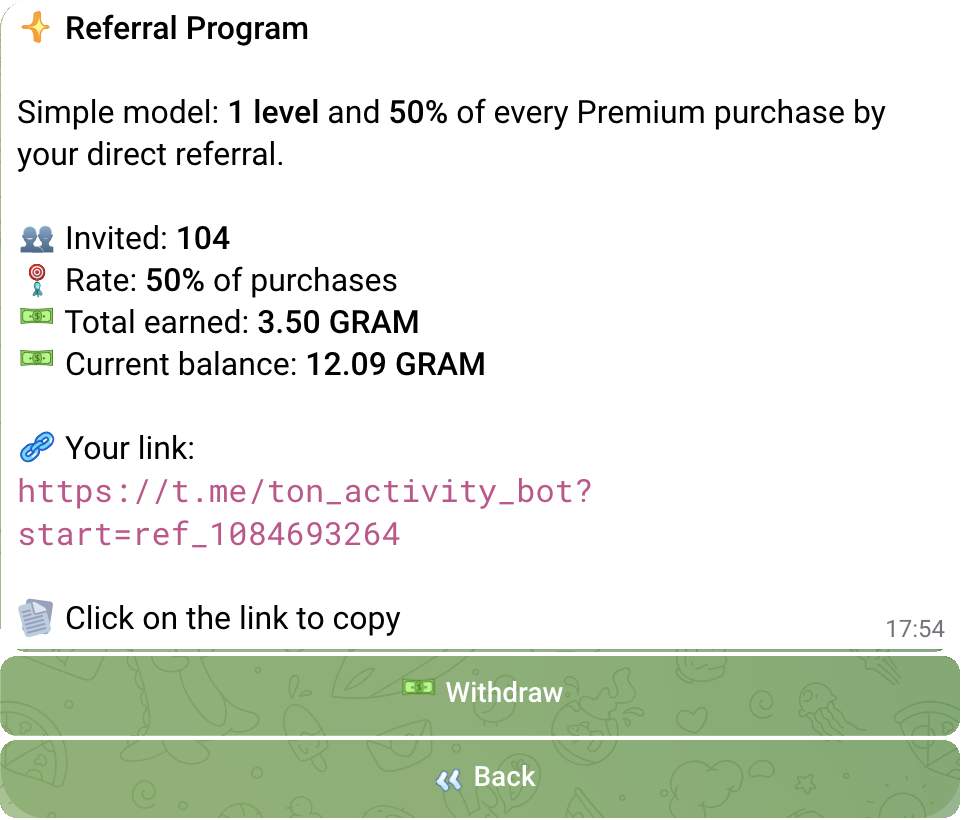
Type @ton_activity_bot in any Telegram chat and choose the invite result. The new user receives 7 welcome Premium days.
If your question is not here, message the creator directly.
Message @rub1kubOpen @ton_activity_bot, add a public TON address or Tonviewer link and choose event types. The bot sends Telegram alerts for supported new transactions. You do not need a wallet connection, recovery phrase or transaction signature.
Tonviewer is a block explorer for inspecting individual transactions. TON Tracker follows selected wallet addresses and sends new activity to Telegram. TON BuyBot follows purchases of a selected token for a community rather than a list of wallets.
Yes. Add the public addresses you want to follow and enable buys, sells or swaps. The bot recognizes supported transactions and venues including STON.fi and DeDust. A wallet label does not verify who owns an address.
Actions of the TON wallets you add: GRAM and Jetton transfers, purchases, sales, swaps, NFTs, liquidity, mass payouts, failed operations, and other supported on-chain events.
Tap Add Wallet, send an address as a message, or use /add ADDRESS NAME. Tonviewer links are supported too.
Yes. Free tracks up to 25 wallets, or up to 50 after subscribing to the channel. New users receive 7 welcome Premium days, plus a one-time 7-day Premium reward after subscription verification.
Standard plans are 5 GRAM for 30 days, 12 GRAM for 90 days, and 48 GRAM for 365 days. Premium supports up to 999 tracked wallets.
The bot receives on-chain events in real time and sends known details as early as possible. Balance, USD, PnL, and chart data can be appended to the same message shortly after. Actual delay depends on the network, data sources, and Telegram.
PnL is shown only when the bot can reliably reconstruct the entry and position changes. If the history is incomplete or the wallet was added after the purchase, TON Tracker does not invent a result.
Yes. Anti-spam hides small promotional transfers, tokens can be blocked by name or contract, and rewards, trading-bot fees, NFTs, and other event types can be disabled separately.
Yes. Up to 5 group wallets are free. Group Mode Beta routes alerts into Telegram Topics, imports directly into a topic, keeps independent group settings, and grants access to selected members.
A Premium feature that combines behavior across tracked wallets: coordinated buys or sells, an exchange withdrawal followed by a purchase, or a sharp position increase.
Yes. Create a managed Telegram instance with your own name, avatar, menu, buttons, and support. Owners receive 50% of paid Premium and group plans but cannot see user wallets or settings.
Five Telegram channels covering large GRAM withdrawals from known exchange wallets. Use them to discover recipients, inspect balances, and add interesting addresses to TON Tracker.
No. It is a monitoring and analytics tool, not financial advice.
25 wallets free · 7 Premium days · no card